 Sova
Sova

Everyday life
Your day, without the mix-ups
Keep private notes, work, family and friends in separate groups. Today and the large widget bring the day together.
How it fits into a real day
01One day, all its parts
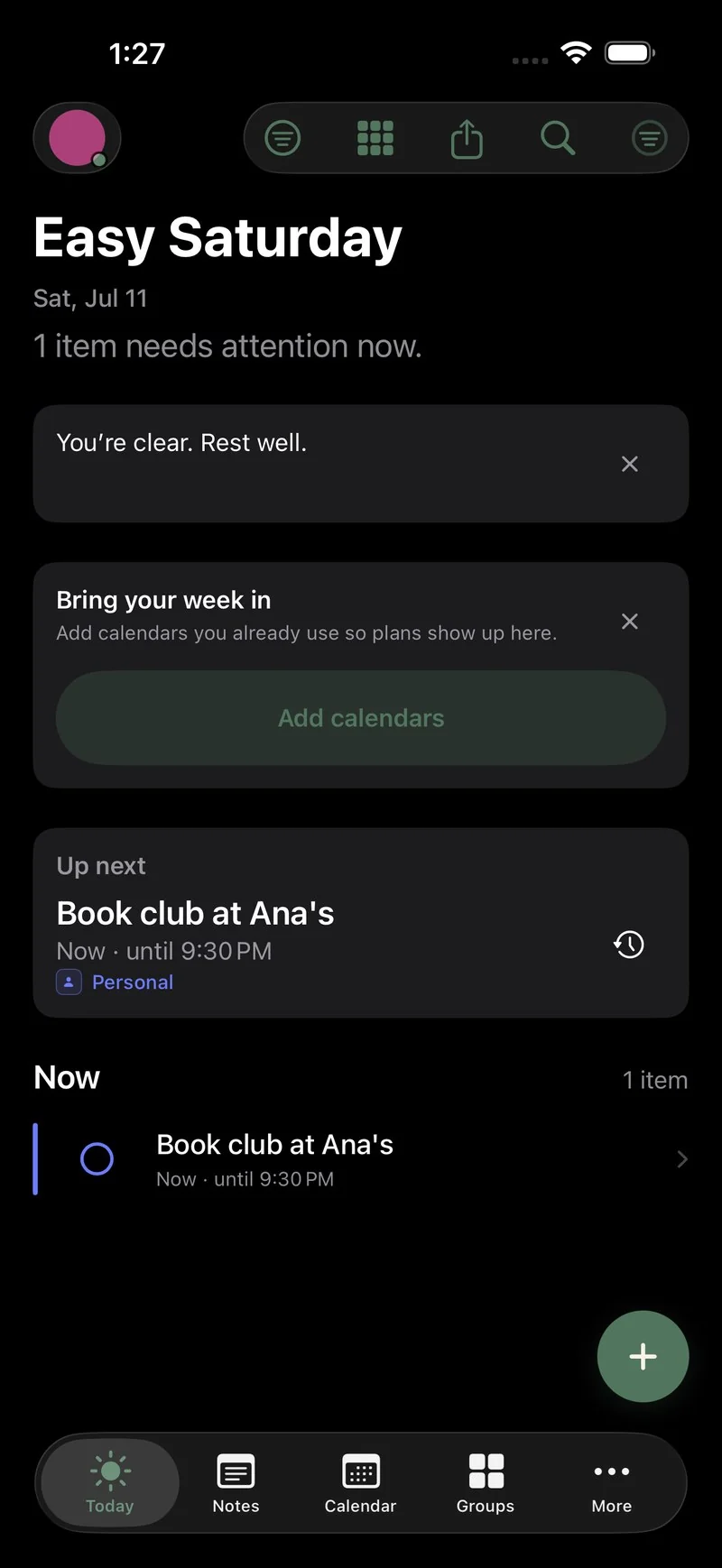
Personal, work and family plans meet in Today and the widget.
02Notes into plans
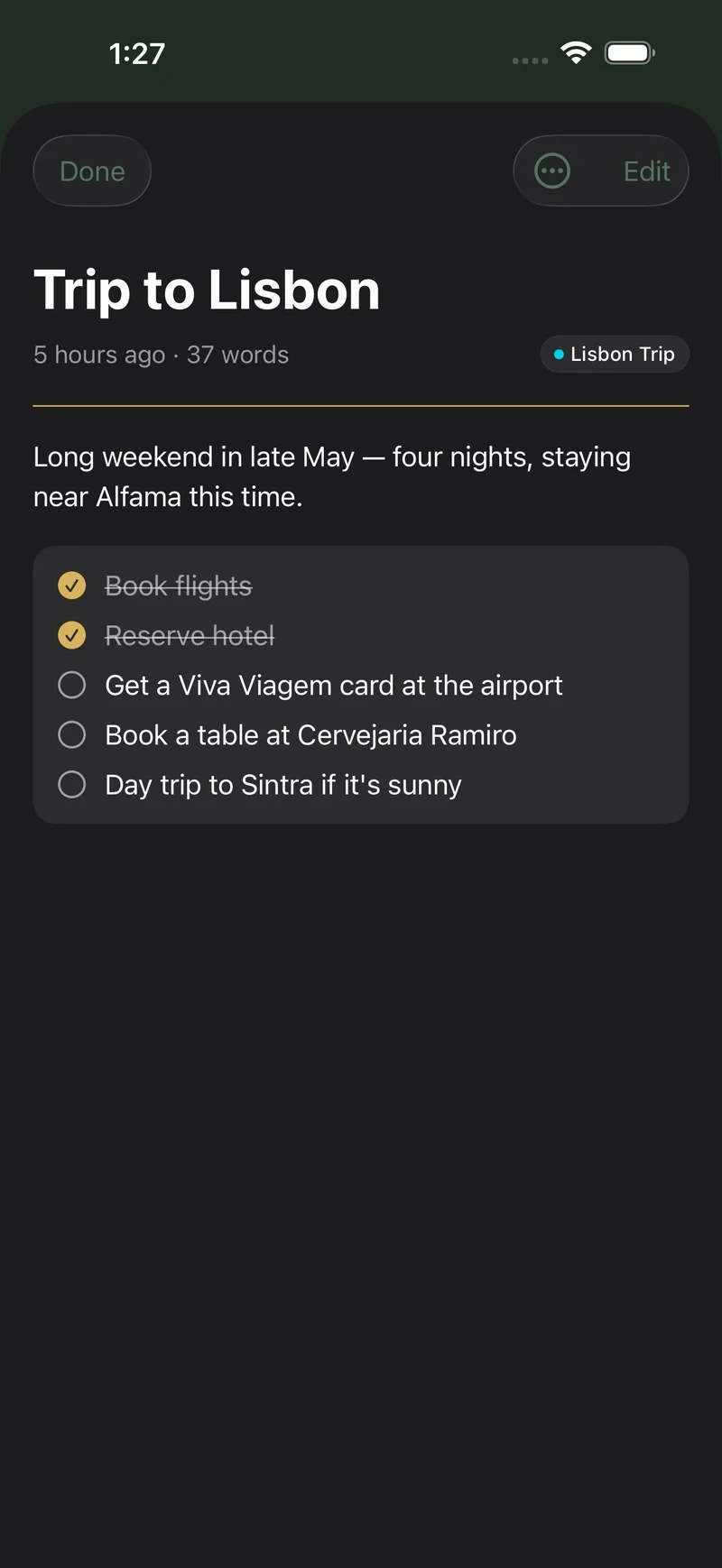
A note becomes a checklist the moment life needs one.
03The right shared list
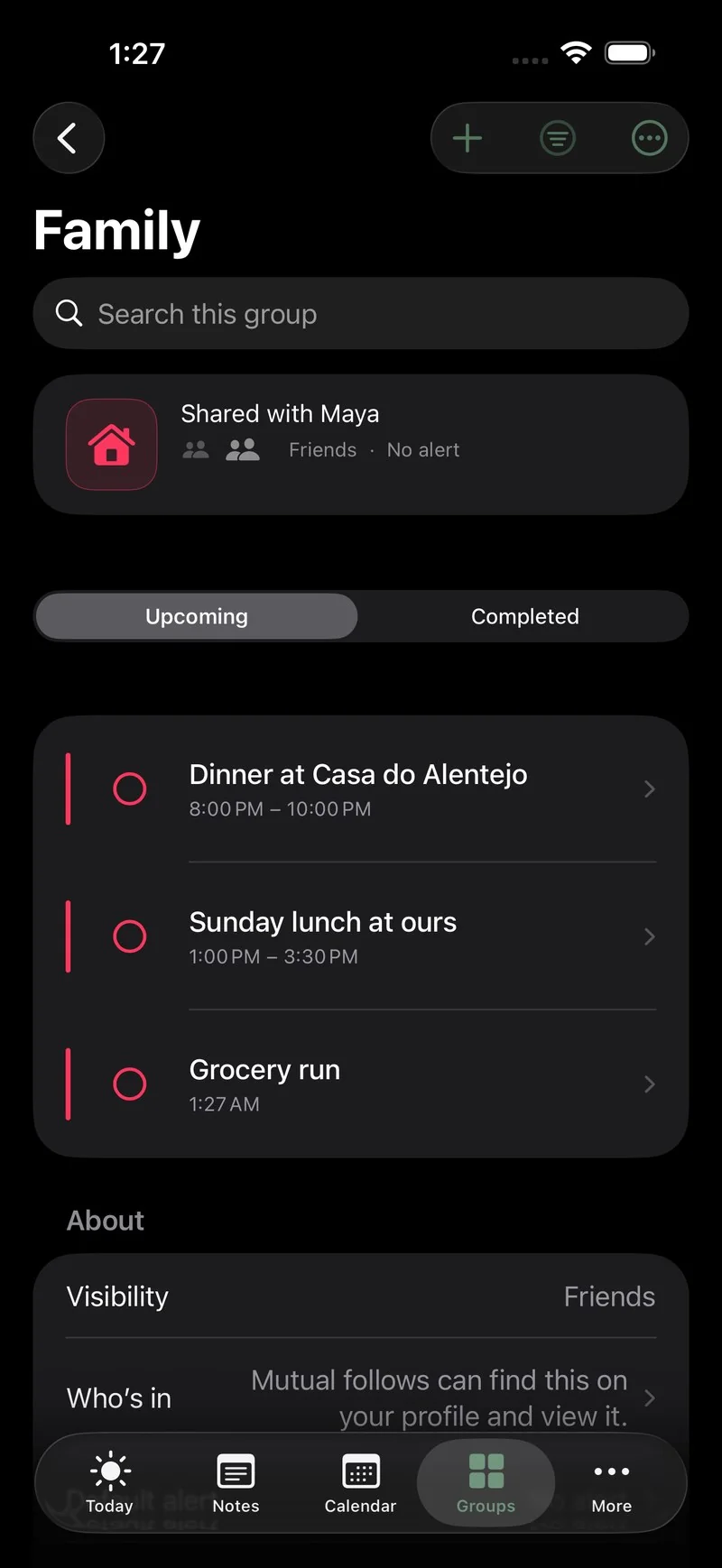
Family sees the family list. Friends see the trip. Private stays private.
One day ahead
Today shows what is happening now and what comes next across your groups. The large Home Screen widget keeps the same view on your Home Screen — tick there, or open Sova for the full picture.
Notes into checklists
Open Sova and start writing. A note is just a note — until the weekend reading turns into a plan, and the plan needs boxes to tick. No forms, no required fields.
The right list each time
Invite family to groceries and appointments, or friends to bookings and the packing list. Each group has its own people and permissions; your private notes stay yours.
Calendars, side by side
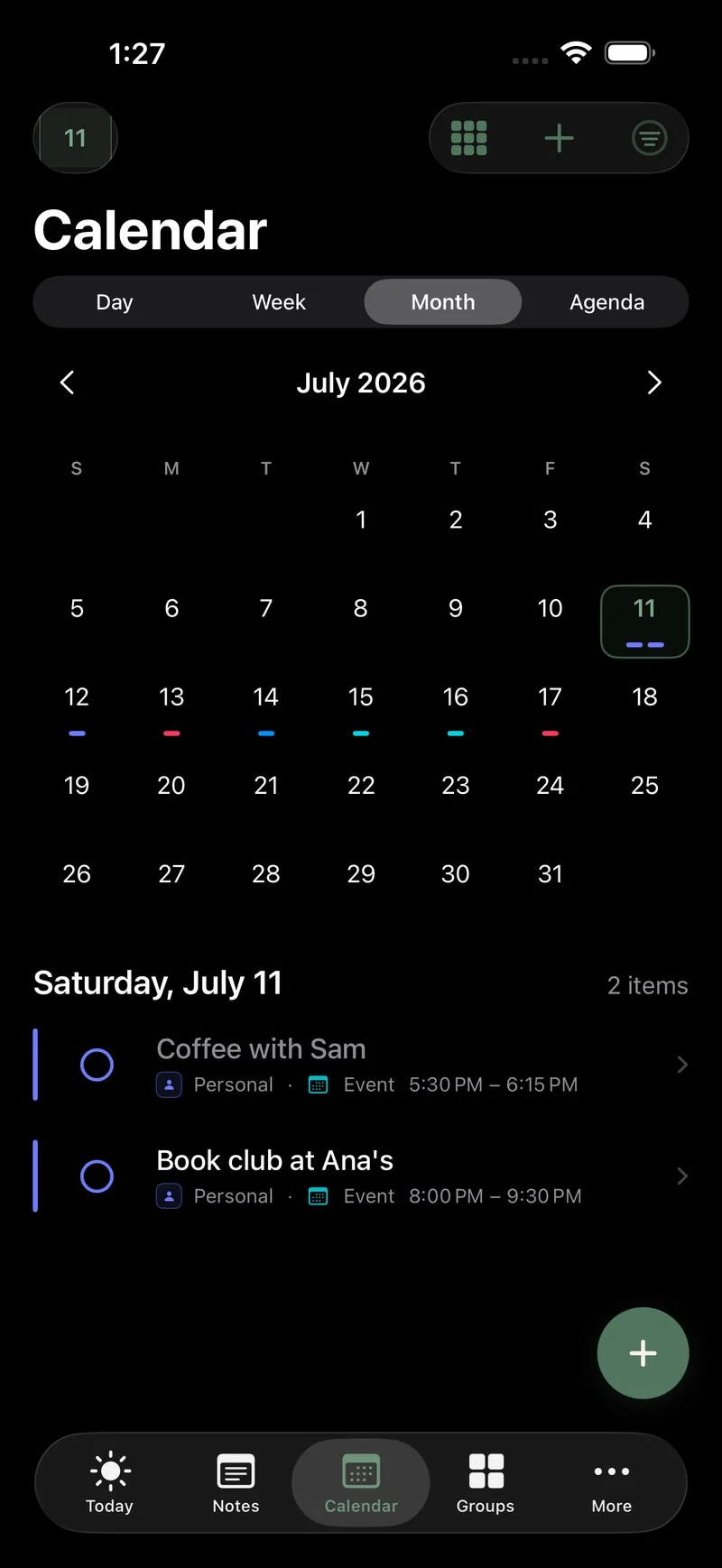
Choose calendars and reminder lists already on your iPhone, then add supported booking links when you need them. They stay recognisably separate while Calendar shows how the week fits together.
Screenshot in, plan out
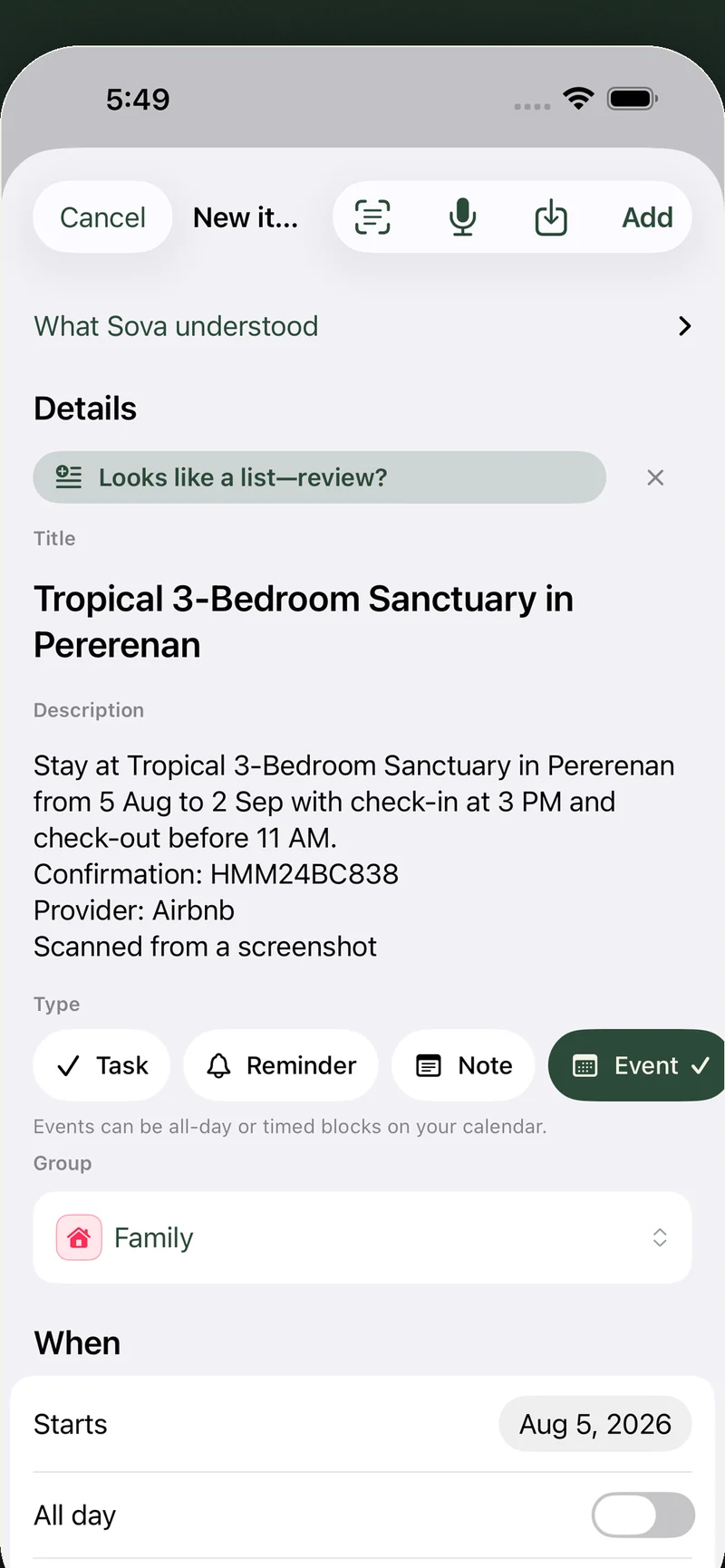
No calendar link for that booking? Screenshot it instead — the confirmation email, the e-ticket, the hotel page. Sova reads it and drafts the event for you: title, dates, times, place, confirmation code. You check it, then it lands in your calendar. The school’s Friday email works the same way: paste it, and Sova finds the dates and to-dos — the science fair, the form to sign, what to bring — each with a suggested list. A Sova Pro touch — the screenshot or text is sent securely to be read and is never stored. How Scan works →

Private by design
Clear boundaries, explained plainly
Private groups stay on your iPhone and work offline. Shared lists are stored online so invited members can receive updates; they use encrypted connections and account permissions. No ads or cross-app tracking.